A cinematic music pack is a curated collection of film-style music built for editors. A good one gives you modular, key-matched building blocks — drones, pads, rhythmic loops, melodies, and punctuation like impacts and risers — plus finished cues, with simple royalty-free licensing you can use on YouTube and client work. That combination is what separates a pack you’ll actually use from one that gathers dust.
If you’ve already decided to buy, you’ve probably noticed they’re not all the same. Two products can both say “cinematic music pack” and behave completely differently in your timeline. This guide breaks down what to look for, the traps to avoid, and how to pick a pack that matches how you cut.
The Two Kinds of Packs You’ll See — and Why Both Frustrate Editors
Most cinematic music packs fall into two camps. The first is a folder of finished, full-length tracks — three- and four-minute songs with a fixed intro, build, and resolution. They sound great on their own, but every track is a complete emotional journey you now have to cut down to fit a 40-second scene. You hunt for the “right” section, fight awkward edit points, and pray the loop isn’t obvious.
The second is a bag of loose sample-pack loops. Lots of parts, no cohesion. Half the categories are missing — maybe no usable melodic content, maybe no drums — and nothing is guaranteed to sit in the same key, so two clips that should layer together clash instead. You end up doing sound-design work the pack should have done for you.
The Cinematic Music Pack Buying Checklist
Before you buy any cinematic music pack, run it against this checklist. A pack worth your money should tick most of these — miss too many and you’ll be back to hunting for the perfect 60 seconds within a week.
- Modular building blocks across the full range. A low foundation (drones, textures, pads), a rhythmic mid layer (loops, chord beds), a melodic top layer (phrases, signature lines), and punctuation (tonal hits, impacts, risers, transitions). Missing a category forces you back to searching.
- Built around one key. When everything shares a key, layers stack and cross-fade without clashing — inside the pack and across packs.
- Finished cues too, not only parts. You still want a ready cue for the title sequence or the final montage. Best case: the same cue as a finished track and as stems.
- Clear royalty-free licensing. Safe on YouTube and Content ID, fine for client and commercial work, no per-use fees.
- A way to try before you buy, and plain WAV/MP3 that drag straight into Premiere, Resolve, or Final Cut — no DAW required.
- Ownership you keep. A one-time purchase beats a subscription that locks your back catalogue when you stop paying.
Why Key-Matched, Layered Packs Win in the Timeline
The single most useful feature in a cinematic music pack is also the least advertised: a shared key. When every drone, loop, and melody is built around one key, you can stack a foundation under a rhythmic bed under a melodic line and they simply agree. You control the arc — bring the loop in when the tension rises, drop everything but the pad for a breath, slam an impact on the cut.
That’s the difference between scoring a scene and decorating it. Music written as tonal, key-matched layers holds a feeling for exactly as long as the scene needs, then shifts on your terms — instead of forcing you to bend the edit around a finished song’s structure.
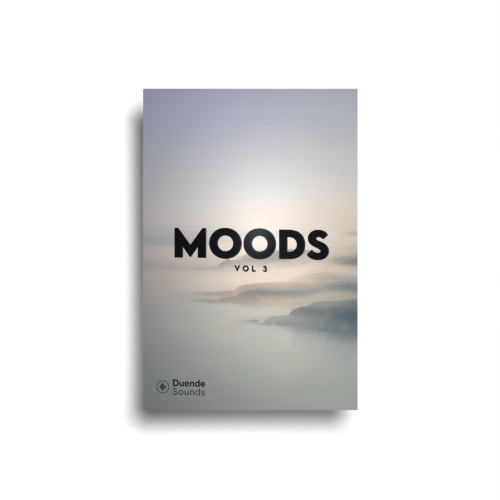
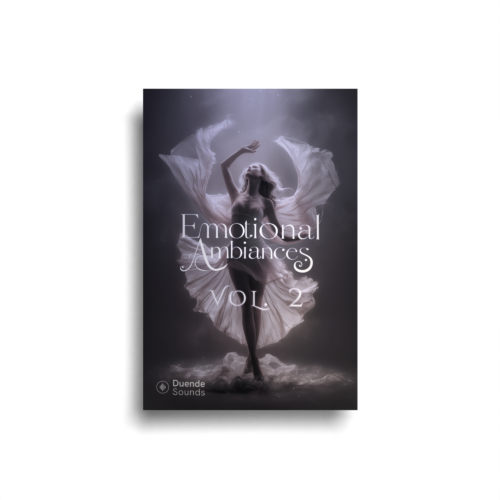
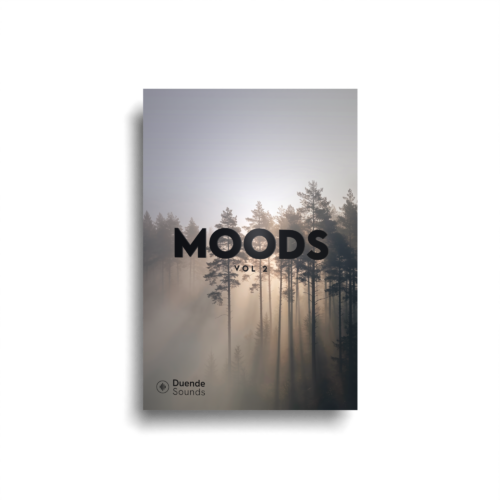
Every layer you’re mixing here is pulled straight from our Moods and Emotional Ambiances series — finished cues you can also break down into stems. Press play, then hit New mix to reshuffle; it all stays in one key, so the layers never clash.
Grab the packs the mixer is pulling from:
Don’t Skip the Licensing and Ownership Fine Print
Licensing is where cheap packs cost you most. A pack that’s vague about Content ID or commercial use can trigger copyright claims on a client video — and false or disputed claims are common enough that YouTube documents the entire claims and dispute process. Before buying, confirm the music is royalty-free, clears Content ID, and allows client and commercial projects with no per-use fees.
Then check the ownership model. Subscription libraries can feel cheap monthly, but the moment you stop paying, the tracks under your published videos may no longer be licensed. A one-time purchase you own forever removes that risk entirely. For a plain-language breakdown of how kits, albums, and FX differ in what you get, the product types explainer is worth two minutes before you commit.
How Duende Soundtrack Kits Meet the Checklist
A Duende Soundtrack Kit is built around this exact checklist. Each kit is cinematic cues plus their building blocks, organised into modular layers: a low foundation of drones, textures, and pads; a mid layer of rhythmic loops and chord beds; a melodic top layer of phrases and signature lines; and bonus punctuation — tonal hits, impacts, risers, and transitions. You stack a few layers, one sound per layer, to build a cue, then reshape it moment to moment.
Because kits are built largely around a single key, layers stack and cross-fade cleanly — within a kit and across kits. The building blocks are named by feeling, not jargon, so you choose by the mood the scene needs. Some releases come as Album + Kit: a finished, ready-to-drop track for the montage that you can also pull apart into stems when you want to score the arc yourself.
Everything is plain WAV/MP3 that drags straight into Premiere, DaVinci Resolve, or Final Cut — no DAW required. The free desktop app tags every sound by key and tempo and lets you audition combinations, so it’s a helper, not a hoop to jump through. It’s a one-time purchase: yours forever, no subscription holding your catalogue hostage.
Which Cinematic Kit Should You Buy First?
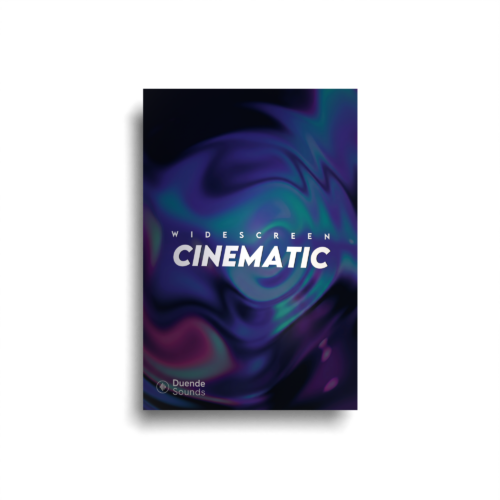
Match the kit to the work you cut most. For general drama — interviews, brand films, documentary, narrative — Widescreen Cinematic is the workhorse that covers the widest emotional range. When you need scale and triumph — the hero cresting the ridge, the launch reveal, the big finish — reach for Widescreen Epic. For tension and dread — the quiet hallway before the reveal, true-crime, thrillers — Widescreen Horror is built for it. If you want an easy entry point, Infinity is a friendly first kit.
Reach for these kits to build it:
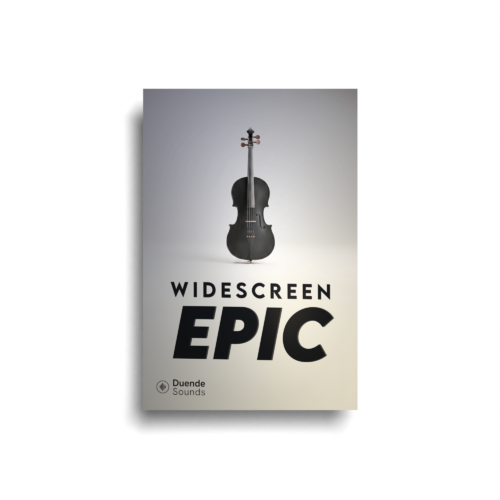
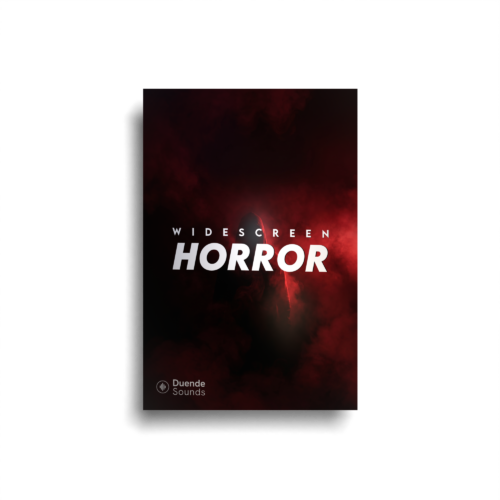
Because the kits share a key by design, buying more than one isn’t redundant — layers from a drama kit can sit under a cue from an epic kit without clashing, so your library compounds instead of fragmenting. You can browse the full range over on the shop.
Frequently asked questions
What should a cinematic music pack include?
Are these cinematic packs royalty free for YouTube and client work?
Do I need a subscription to use a Duende cinematic music pack?
Can I use the stems in Premiere, DaVinci Resolve, or Final Cut?
What’s the difference between a finished track and a soundtrack kit?
Do I need a DAW to layer cinematic stems?
How do I keep layered music from clashing?
Try the layered approach in the free mixer above, pick the kit whose mood matches what you cut most, and you’ll spend your next edit scoring the scene — not hunting for the perfect 60 seconds.