Trailer Sound Design Elements, Defined: Braams, Risers, Impacts, Whooshes and More
Trailer sound design elements are the short, dramatic audio devices editors use to shape tension and payoff in a cut — braams, risers, impacts, whooshes, downers, drones, pulses, reverses and stingers. Most of them are pitched: they carry a musical note. That means they read best when they share the key of the score playing underneath them.
Trailer Sound Design Elements, Explained
If you have ever built a trailer cut that looked right and still felt amateur, the audio vocabulary below is usually where the problem lives. Editors reach for these sounds instinctively — a big hit on the logo, a riser into the montage — but few libraries define them properly or say where each one belongs. This page does. It defines every element plainly, says what each is for dramatically, shows where it lands in a cut, and then makes the point almost nobody else makes: these sounds are pitched, and if they clash with your music, the audience feels it even when they cannot name it.
Braam
A braam is a low, brassy cinematic hit — a sustained blast of distorted horn-like tone that lands hard and rings out. It became the defining trailer sound after big-orchestra film scores of the early 2010s, notably the low-brass swells popularised around 2010’s most-copied sci-fi score. Practically: a braam has a clear fundamental pitch, so it is one of the easiest elements to get wrong. Overused, it dates a cut instantly. Many editors now replace it with a subfall or downer for the same weight without the cliche.
Riser (Rise, Build, Uplifter)
A riser is a sound that climbs over time — pitch, volume, density or all three sweeping upward to create anticipation. It is the audio equivalent of an inhale before a shout. In practice a riser is almost always resolved: either by an impact on the beat it has been building toward, or by sudden silence. The silence trick — letting the riser peak and then cutting everything for a held frame — often reads bigger than any hit. A riser that never resolves just leaves the audience tense and cheated.
Impact (Hit, Boom)
An impact is the payoff — the percussive hit that lands the cut, the title card, or the reveal. Editors obsess over the transient, but the tail matters more: the low-end decay and the note that rings out afterward are what make an impact feel big rather than merely loud. Placement is a craft detail worth knowing — landing the impact a frame or two before the picture cut usually reads better than sitting it exactly on the frame, because the ear leads the eye.
Whoosh (Swoosh, Pass-By, Transition)
A whoosh is a movement sound — a rush of filtered noise or tone that sweeps past to carry the eye from one shot to the next. It sells motion and speed, and it hides hard cuts. The most useful pattern in trailer work is the whoosh-hit combo: the whoosh is the build, the impact is the payoff, and together they turn an ordinary transition into a beat. Learn more about pairing movement with tension in our guide to creating tension with sound effects.
Downer (Subfall, Reverse-Riser)
A downer is the inverse of a riser: a sound that falls over time, sweeping downward in pitch and energy. It is the honest answer to the genuinely searched question “what is the opposite of a riser?” — and almost nobody answers it clearly. A downer (also called a subfall or reverse-riser) is used to collapse energy, drop into dread, or land a dark reveal. Where a riser lifts you toward triumph, a downer pulls the floor out. It has become the modern, less-cliched alternative to a braam on a heavy reveal.
Drone
A drone is a sustained atmospheric bed — a long, evolving tone that holds a single feeling underneath everything else. It is the least flashy element and often the most important: a drone carries dread, awe or unease across a whole sequence without ever calling attention to itself. Because it runs for the length of a scene, its pitch is doing quiet harmonic work the entire time. A drone in the wrong key against your score is a low-level wrongness the audience feels for a full minute.
Pulse
A pulse is a repeating rhythmic element — a steady throb, ticking synth or heartbeat-like note that gives a sequence forward motion. It is the engine of the montage: the pulse sets the pace your cuts lock to, and speeding it up or layering a second pulse on top is how you escalate. Unlike a one-off hit, a pulse is felt as tempo. Match its tempo to your edit and its pitch to your music, and a flat montage suddenly drives.
Reverse (Pre-Swell)
A reverse, or pre-swell, is a sound that arrives before the thing that makes it — a note or noise that swells backward into a cut, hit or title. Because it grows out of silence and resolves on the beat, it primes the audience to expect something a half-second before it happens. Reverses are the quiet secret behind trailer moments that feel inevitable. They pair naturally with an impact: the reverse is the intake of breath, the impact is the strike.
Stinger
A stinger is a short musical or tonal sting used as punctuation — a sharp phrase, chord stab or accent that marks a single moment and then gets out of the way. Think of it as a musical exclamation point: it lands a joke, a jump, a name-drop or a hard cut to black. Because a stinger is explicitly musical, it is the most obvious element of all to get right or wrong harmonically. A stinger in key sounds intentional; out of key it sounds like a mistake.
Where Each Element Goes in the Cut
Trailer structure is a series of energy beats, and each element serves one. Here is the shape as an editor thinks about it, not as a music theorist would:
- Setup: a drone holds the mood while dialogue and story establish. Quiet, sustained, no hits yet.
- First turn: the story flips. A single reverse or stinger marks it — the first time the audience sits up.
- Build: a pulse enters and sets tempo; whooshes carry the accelerating cuts; a riser starts climbing toward the peak.
- The drop-out: everything cuts to silence on the riser’s peak, or a downer collapses the energy. This negative space is where the biggest moments live.
- Final montage: impacts land the fastest cuts, a braam or big hit punches the title, and a last stinger buttons the end card.
The picture-cutting side of this — how you pace the shots these sounds serve — is covered in our breakdown of trailer-style editing techniques.
Why These Sounds Must Share a Key With Your Music
Here is the point almost no library makes: most trailer sound design elements are pitched. A braam has a fundamental. A riser sweeps through pitches on its way up. An impact has a tail with a note ringing in it. A drone is a note. When any of these clash with the key of the score underneath, the audience does not consciously hear “wrong key” — they hear something slightly off and they cannot tell you what. A braam a semitone away from your music is the single most common reason a technically clean trailer edit still feels amateur.
The fix is not more sounds — it is tonal, key-matched sound design: impacts, whooshes and drones supplied in a known key alongside music written in that same key. When every element shares one key, your hits reinforce the chord instead of fighting it, your risers land on the root, and your drones sit inside the harmony instead of beside it. That is the difference between “loud” and “epic.” You can hear it below — each layer here is built in the same key, so nothing clashes no matter how you stack it.
Every layer you’re mixing here is pulled straight from our Moods and Emotional Ambiances series — finished cues you can also break down into stems. Press play, then hit New mix to reshuffle; it all stays in one key, so the layers never clash.
Grab the packs the mixer is pulling from:
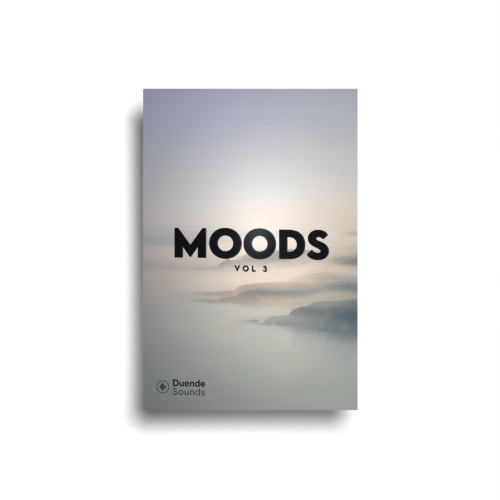
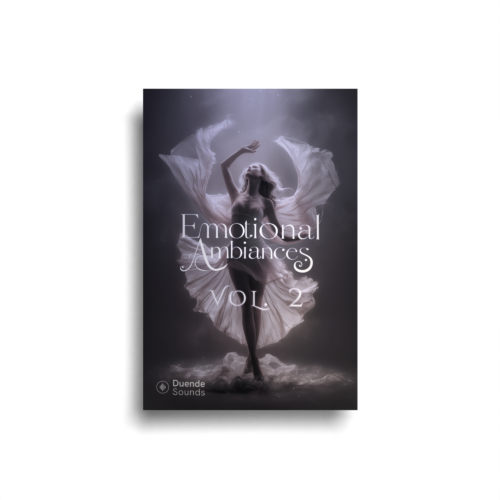
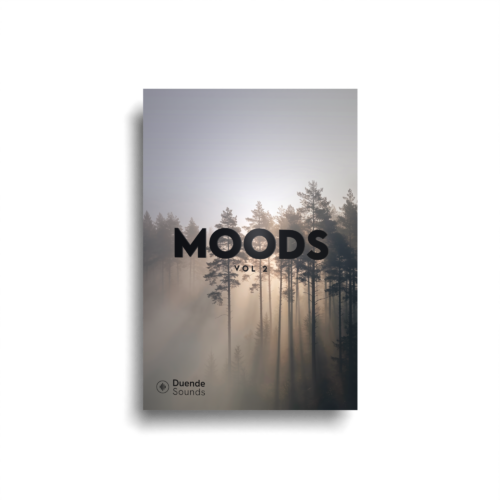
This is why we build our sound effects and music as a matched system rather than loose files. If you want the deeper vocabulary behind these terms, the broader sound and music glossary covers the surrounding concepts, and our guide to music stems and layering shows how to combine them cleanly inside your NLE.
Key-Matched Kits for Trailer Work
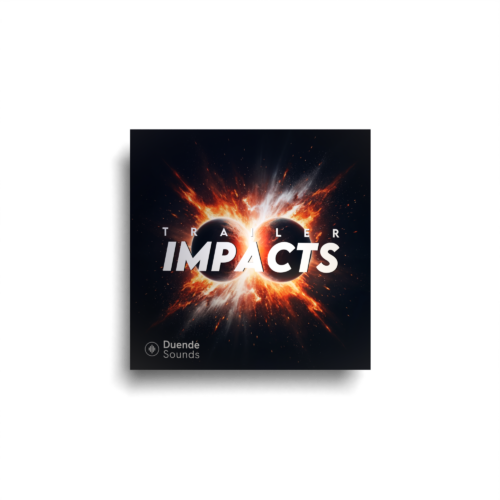
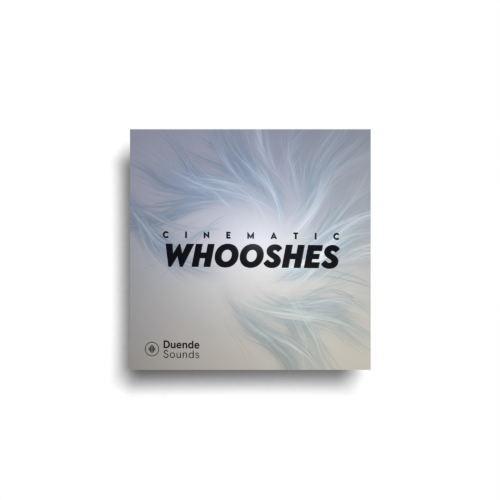
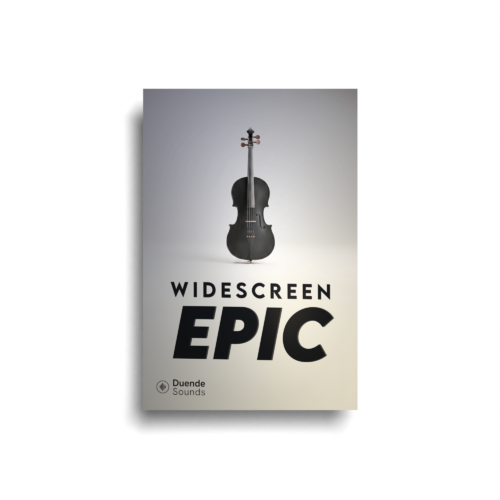
If you cut trailers regularly, the fastest way to stop fighting the key is to work from packs where the impacts, whooshes and music are already built to sit together. For heavy hits and payoffs, reach for a dedicated impacts pack; for movement and transitions, a whooshes pack; and for the big heroic score underneath it all, an epic cinematic kit. Choosing between them is covered in our guide to sound effects packs for video editors.
Reach for these kits to build it:
Common Mistakes to Avoid
A few recurring errors flatten otherwise strong trailer edits:
- Too many braams. One well-placed hit is powerful; four is a parody. Swap most of them for downers or subfalls.
- Risers that never resolve. A build with no impact or silence at the top leaves tension hanging and reads as unfinished.
- Impacts with no tail. A clicky transient with no low-end decay sounds small no matter how loud you push it.
- Drones fighting dialogue. A bed sitting in the same frequency range as speech muddies both — carve room for the voice.
- Everything at one level. If every element is mixed equally loud, nothing feels big. Contrast — and silence — is what makes a hit land.
Frequently asked questions
What is a braam sound?
What is a riser in sound design?
What is the opposite of a riser sound effect?
What is a whoosh sound effect?
Do sound effects need to be in the same key as the music?
What is a stinger in trailer sound design?
Master these elements, keep them in one key, and your trailer cuts stop sounding busy and start sounding inevitable. When you are ready to work from sounds that are already built to sit together, explore our key-matched tonal sound design and score your next cut on your own terms.